

Description
Product Overview
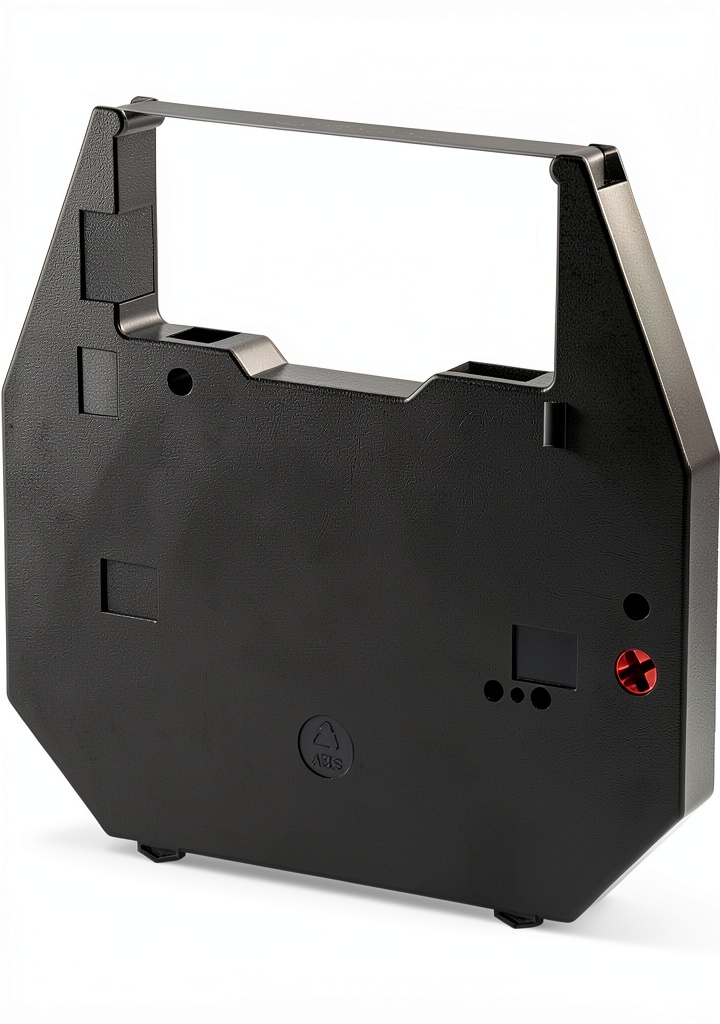
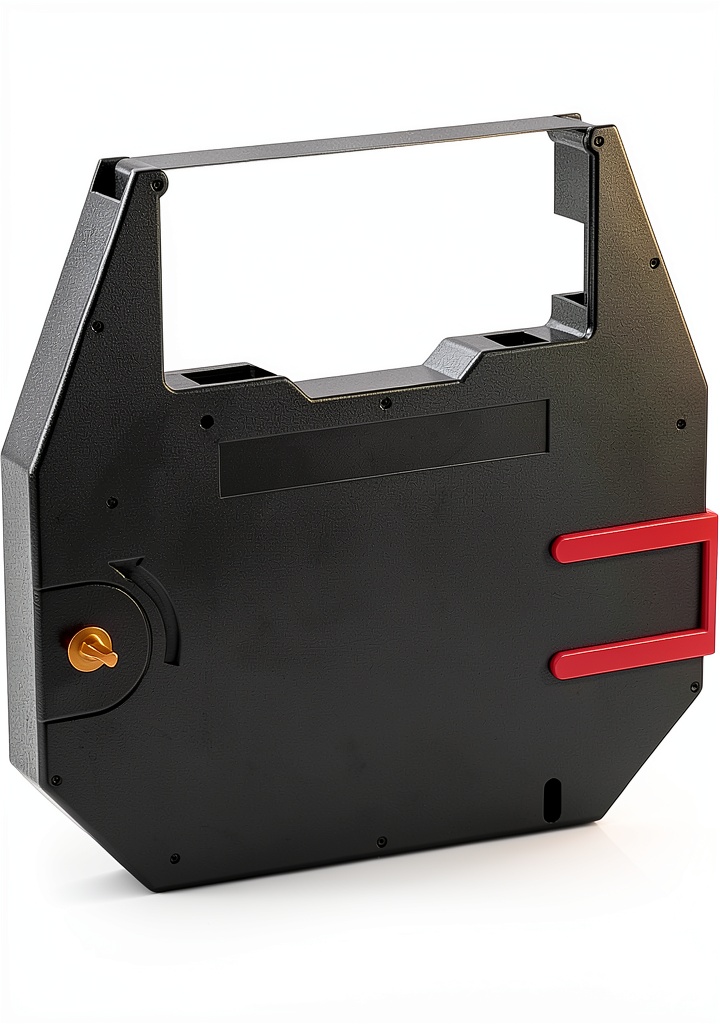
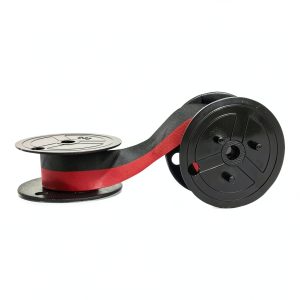
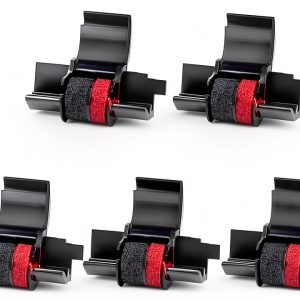
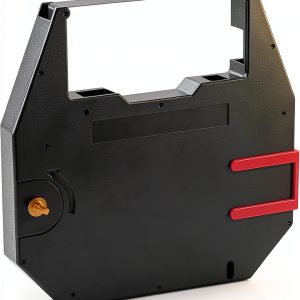
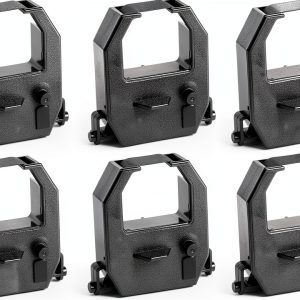
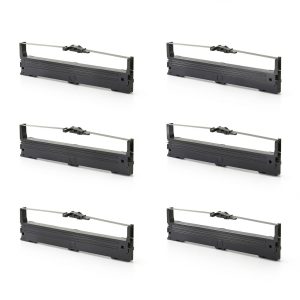
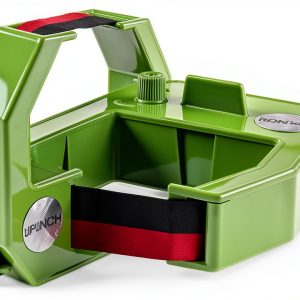
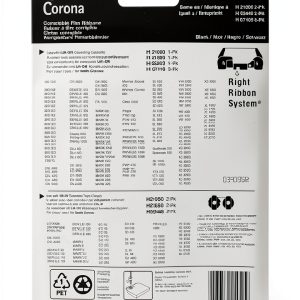
The Bigger compatible correctable ribbon is engineered for Nakajima impact printers. Each pack contains six ribbons, each 162 m long, housed in a non‑toxic ABS shell. Ultrasonic welding creates a seamless splice, delivering sharp, fade‑resistant characters while minimizing needle wear. Dimensions are compact at 5.43 x 5 x 4.09 inches and the weight is only 14.9 oz, making storage effortless.
Usage
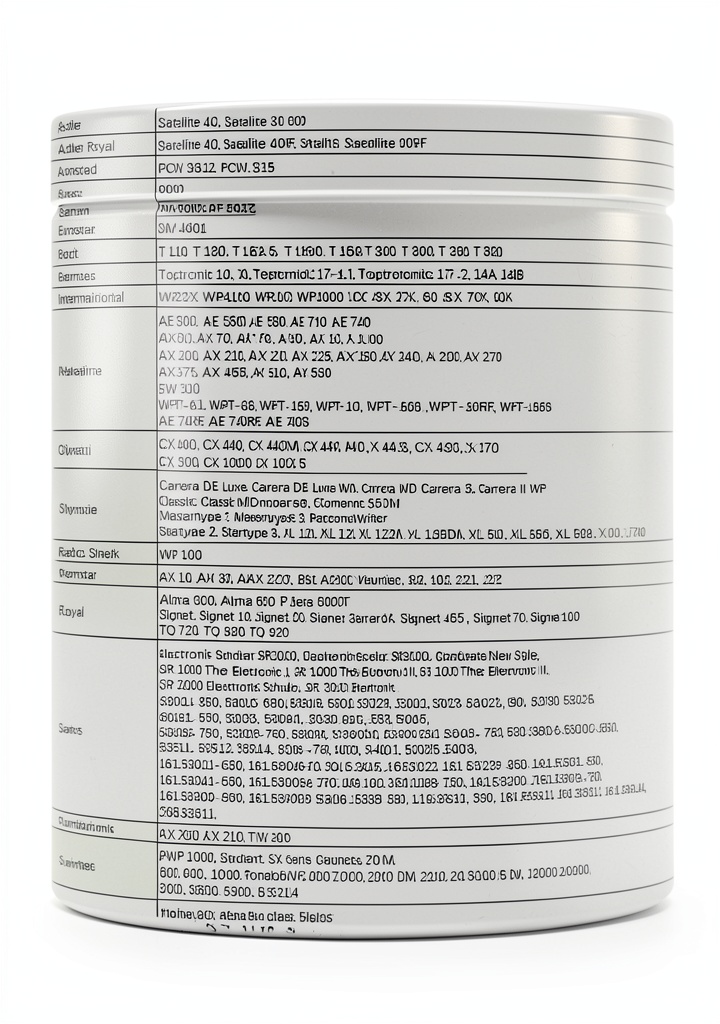
Designed for office, home‑based businesses, and light industrial settings, this ribbon excels in printing invoices, purchase orders, shipping labels, and inventory lists. It works with Nakajima AX series, AE500‑700, EW, WPT models, as well as Adler Royal and Satellite lines. Whether you run a small accounting office or need reliable output for warehouse documentation, the ribbon provides consistent quality.
Why Choose Us
Bigger combines rigorous quality control with eco‑friendly materials. The ABS casing is recyclable, and the ink formulation is designed to be light‑resistant, extending the life of printed documents. Our ribbons undergo ultrasonic splicing, a process that eliminates gaps and ensures uniform ink flow, reducing downtime for printer maintenance.
Key Features
- 162 m long ribbon for extended printing runs
- Ultrasonic‑welded splice for seamless, high‑quality output
- Non‑toxic, recyclable ABS housing
- Compatible with a wide range of Nakajima and Adler models
- Eco‑friendly ink that resists fading and light exposure
FAQ
Is this ribbon compatible with my Nakajima WPT‑150 printer?
Yes, the ribbon is specifically designed for Nakajima WPT‑150, WPT‑160, and other AX series models.
How many pages can I print with one ribbon?
At an average of 12 characters per line, a 162 m ribbon can produce roughly 10,000 standard‑size pages.
Can I use this ribbon for color printing?
No, this is a monochrome correctable ribbon intended for black‑on‑white documents.
What is the environmental impact of the ABS housing?
The ABS shell is fully recyclable and meets RoHS standards, minimizing environmental footprint.
How do I install the ribbon correctly?
Open the printer cover, remove the old ribbon, align the new ribbon’s splice with the printer’s guide, and secure the housing. Ensure the ribbon feeds smoothly before closing the cover.



























Reviews
There are no reviews yet.