
Description
Product Overview
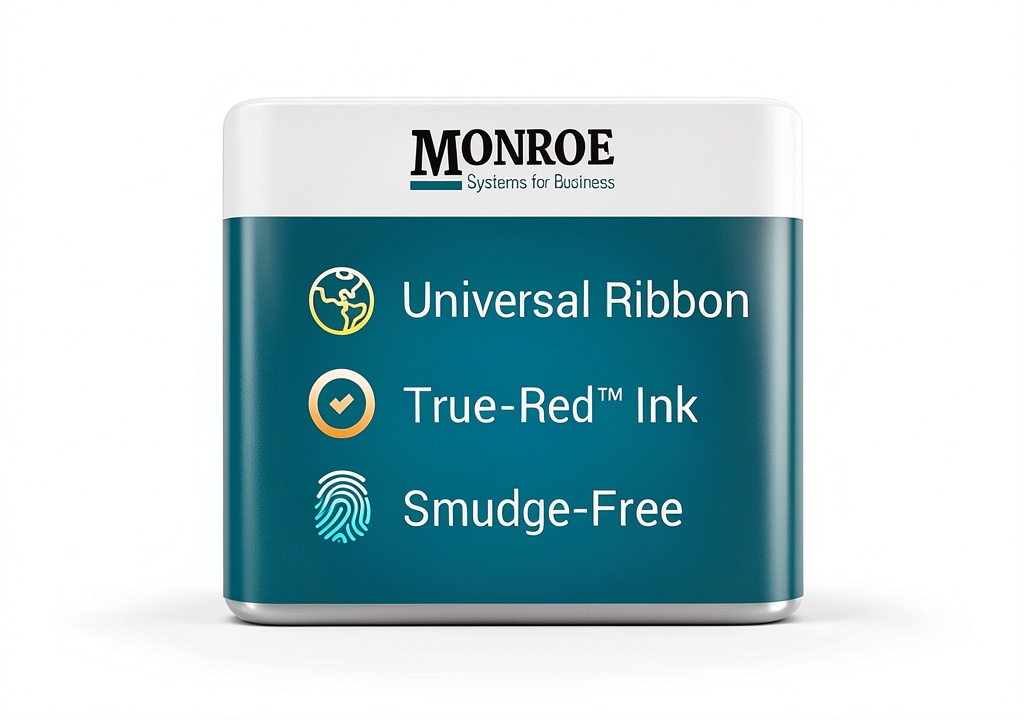
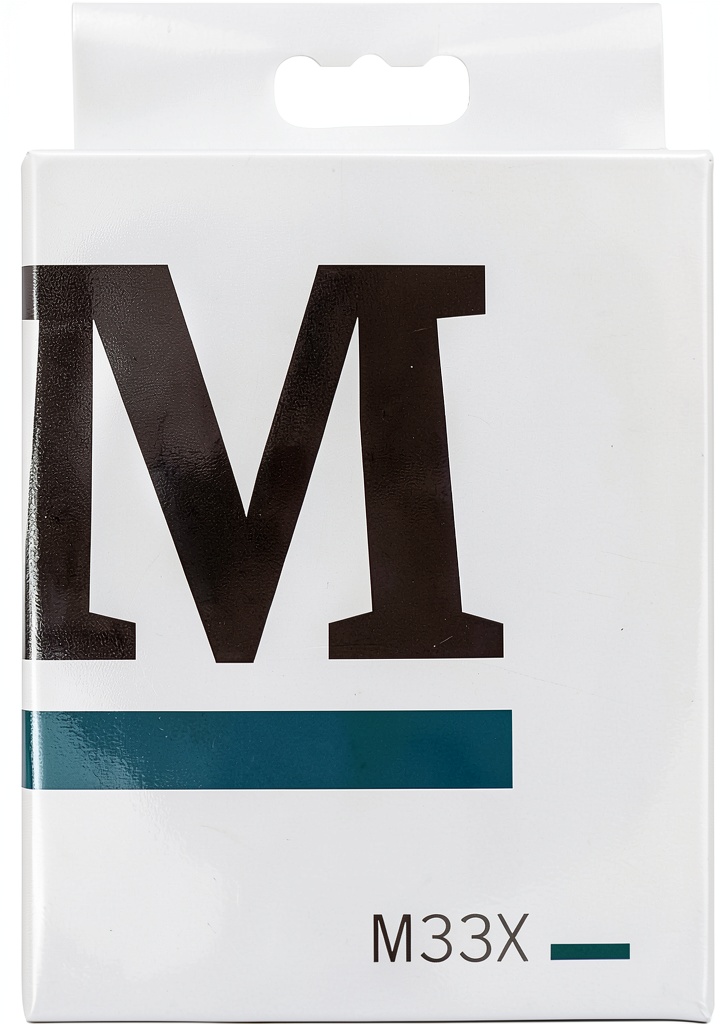
The Monroe True Red Ribbon cartridge is engineered for Monroe X‑Series printing calculators, providing the market’s heaviest inking saturation in an exclusive true red color. Constructed from high‑quality fabric ribbon and sealed in durable plastic, the cartridge resists moisture and light, delivering consistent, crisp prints for up to five years of storage. Dimensions are compact at 4 × 3 × 0.5 inches and it weighs only 0.8 oz, making it easy to handle and install.
Usage
Designed for accountants, auditors, and office professionals who rely on printed calculations, this ribbon excels in daily transaction logging, inventory tracking, and financial reporting. It fits seamlessly into Monroe models 6120X, 2020PlusX, 122PDX, 8130X, 8145X, and UltimateX, ensuring reliable output in high‑volume environments. 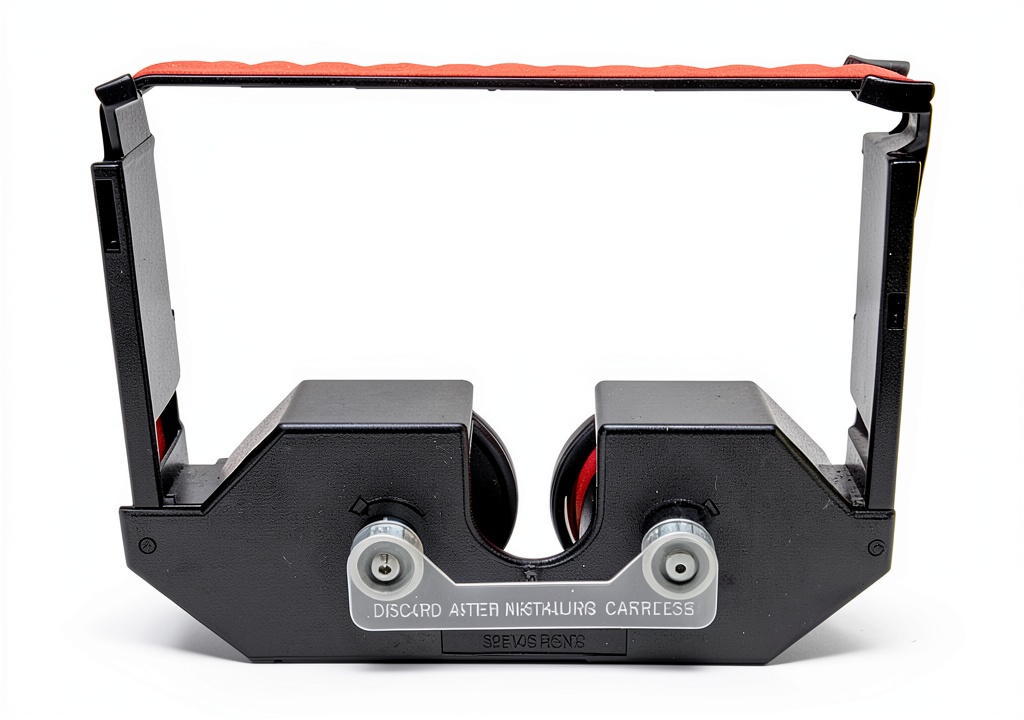
Why Choose Us
Monroe’s exclusive true red formulation offers unmatched contrast, reducing read errors and enhancing document legibility. The sealed packaging guarantees a shelf life exceeding five years, eliminating the risk of dried or faded ink. Each cartridge undergoes rigorous quality testing, ensuring it meets the exacting standards of impact and dot‑matrix printer ribbons.
Key Features
- Exclusive True Red color for superior print visibility
- Heaviest inking saturation available on the market
- Sealed plastic packaging ensures 5+ year shelf life
- Compatible with six Monroe X‑Series calculator models
- Compact size and lightweight design for easy installation
FAQ
Is this ribbon compatible with non‑Monroe calculators?
No, the Monroe M33X Black/Red Ribbon Cartridge is specifically engineered for Monroe X‑Series printing calculators and will not function correctly in other brands.
How long can the ribbon be stored before use?
When kept sealed in its original plastic packaging, the ribbon maintains optimal performance for more than five years.
Can I use this ribbon for black printing?
This cartridge is designed for true red printing only; for black output, a separate black ribbon cartridge is required.
What is the best way to install the ribbon?
Open the calculator’s ribbon compartment, remove the old cartridge, align the new ribbon with the guide slots, and gently press until it clicks into place. Ensure the cartridge is fully seated before closing the compartment.
Does the ribbon affect printing speed?
No, the ribbon’s high‑saturation formulation works with the calculator’s existing print head, maintaining the original printing speed while improving print clarity.
 EcoSoft Premium Cotton Bath Towels – Ultra Absorbent Quick‑Dry, 70 USD
 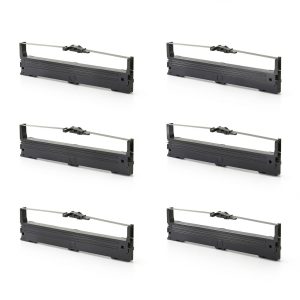 Bigger Nylon Ink Ribbon for EPSON FX890
 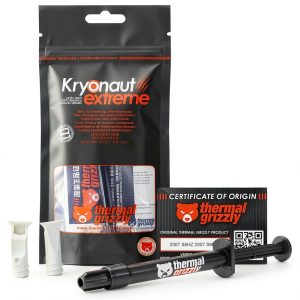 Thermal Grizzly Kryonaut Extreme - 2 Gram - Extremly High Performance Thermal Paste - for Maximum Thermal Conductivity While Overclocking CPU/GPU/PS4/PS5/Xbox
Reviews
There are no reviews yet.